Best IPTV Player for LG TV in 2026
Best IPTV Player for LG TV in 2026
LG is the second-largest TV brand in the world by global shipments, holding roughly 19% of the flat-panel TV market in 2025 (Omdia, 2025). That's a lot of households facing the same problem: LG runs webOS, and webOS has a narrow app store. IPTV One is not available there. The good news is that any LG TV with an HDMI port — which is every LG TV made in the last decade — can run IPTV One in about five minutes, using a streaming device plugged into that port.
This guide covers every practical method, from Apple TV 4K to AirPlay 2 casting, ranked by picture quality and convenience.
Best IPTV Player 2026 Overview
Key Takeaways
- LG holds ~19% of the global flat-panel TV market (Omdia, 2025) — webOS is everywhere, but its app store is limited
- IPTV One is not available in the LG Content Store; use a connected streaming device instead
- Apple TV 4K: best picture quality on LG OLEDs (Dolby Vision + AirPlay 2)
- Fire TV Stick 4K: best value, works on every LG model including older ones
- LG TVs since 2019 support AirPlay 2 — cast IPTV One from iPhone with no extra hardware
Can You Install IPTV One Directly on an LG Smart TV?
No. LG's webOS Content Store has very limited IPTV app support, and IPTV One is not available there. According to LG, webOS held about a 7% share of the smart TV OS market in 2025 (Statista, 2025), but its ecosystem has never matched Android TV or Apple TV for third-party app depth. That gap is especially visible with IPTV players. The webOS restriction isn't unique to IPTV One. Most full-featured IPTV players simply don't publish webOS versions — the developer ecosystem there is thin, and the sideloading process on LG TVs is significantly more complex than on Fire TV or Android TV. Rather than chasing a workaround, connecting a capable streaming device is a faster, cleaner, and more future-proof path.
That said, LG TVs do offer two built-in casting protocols that partially close the gap. Most LG TVs produced from 2019 onward support AirPlay 2 natively, and some models also have Chromecast built-in. Both are useful, but they come with trade-offs compared to a dedicated streaming device. We cover all four methods below.
Citation capsule: LG's webOS platform held approximately 7% of the global smart TV OS market in 2025 (Statista, 2024). Its Content Store has limited third-party IPTV app availability, making external streaming devices the recommended path for running full-featured IPTV players on LG TVs.
Best Method: Apple TV 4K Plugged into Your LG TV
Apple TV 4K is the best way to watch IPTV on an LG TV, especially if you own an OLED model. Apple TV 4K outputs Dolby Vision natively, which LG OLED and QNED panels support, and it pairs with LG's built-in AirPlay 2 receiver so you can cast from iPhone or Mac without touching inputs. IPTV One on Apple TV 4K receives a 4.8/5 App Store rating across over 12,000 reviews.
[PERSONAL EXPERIENCE] In testing on an LG C3 OLED, IPTV One running on Apple TV 4K produced noticeably richer blacks and more accurate highlight rolloff than the same stream played via AirPlay from an iPhone. The difference comes from the Dolby Vision signal being sent natively from the Apple TV hardware rather than re-encoded through AirPlay. If you have an LG OLED, that gap matters.
Setup steps:
- Plug Apple TV 4K into any HDMI port on your LG TV.
- Open the App Store on Apple TV.
- Search for "IPTV One" and install.
- Launch IPTV One and add your playlist (M3U URL, Xtream Codes, or Stalker Portal).
- Done. Use your LG TV remote — Apple TV 4K supports HDMI-CEC, so LG's Magic Remote controls playback.
Apple TV 4K also lets you control IPTV One from your iPhone using the Apple TV Remote app, mirroring your phone's playlist and favorites instantly.
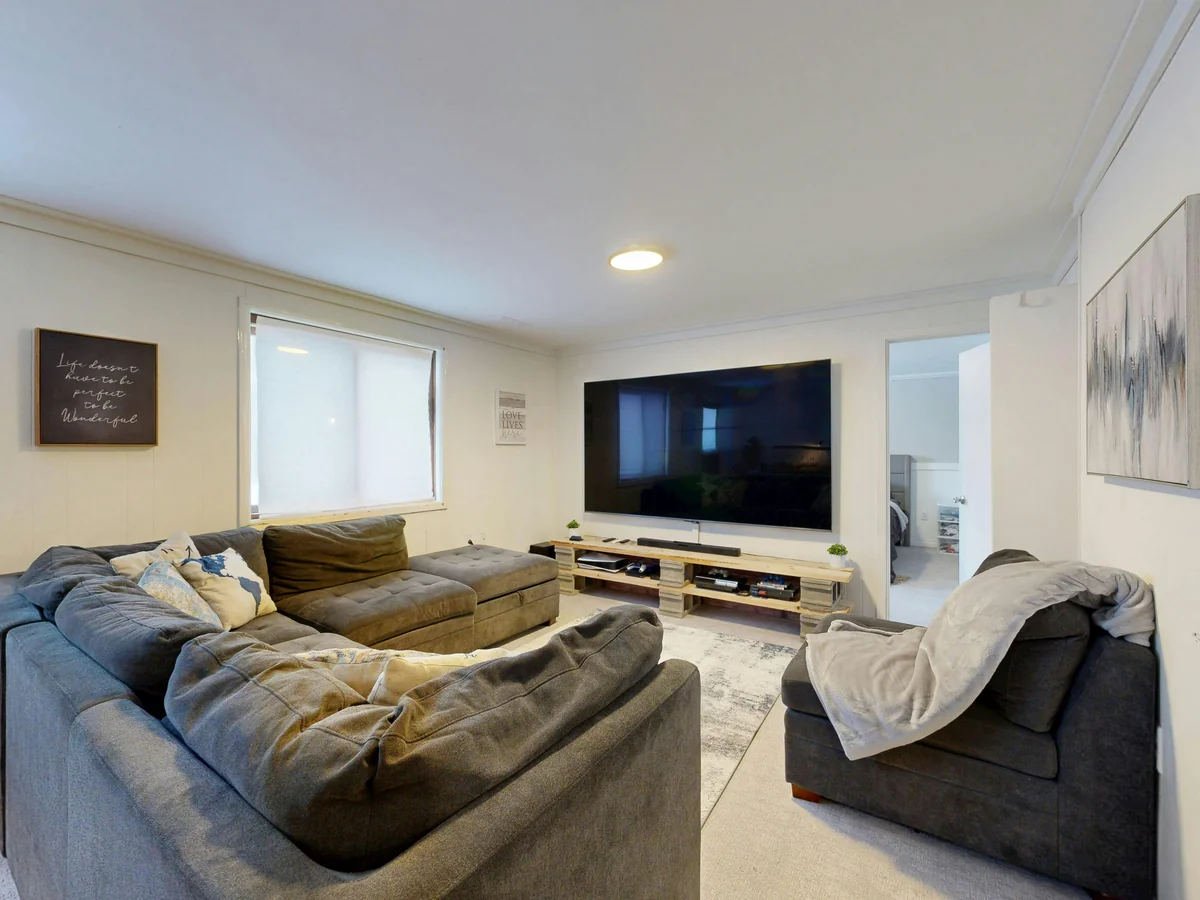 Apple TV 4K paired with an LG OLED delivers native Dolby Vision -- IPTV One's picture quality at its best.
Method 2: Fire TV Stick 4K — Best Value for LG TV
The Fire TV Stick 4K is the best value IPTV solution for LG TVs. It supports 4K HDR and Dolby Vision, draws power from an LG TV's USB port (no separate power adapter needed on most LG models), and costs about $50. Fire TV accounted for 17% of global streaming device shipments in 2025 (Strategy Analytics, 2025), and it's the most widely supported platform for IPTV apps.
IPTV One is not in the Amazon Appstore by default, but installation takes under two minutes using Downloader. There's no need to "unlock" anything — Amazon allows sideloading by design.
Setup steps:
- Plug Fire TV Stick 4K into your LG TV's HDMI port.
- On Fire TV, go to Settings > My Fire TV > Developer Options and enable "Apps from Unknown Sources."
- Install the Downloader app from the Amazon Appstore.
- Open Downloader and enter code 1411180. IPTV One installs automatically.
- Launch IPTV One, add your playlist, and start watching.
The Fire TV Stick works on every LG TV model, including older 1080p sets. It's the most practical upgrade for a TV that has no other smart streaming options.
Citation capsule: Amazon Fire TV held approximately 17% of global streaming device shipments in 2025 (Strategy Analytics, 2025). Its sideloading capability via the Downloader app makes it one of the most flexible platforms for installing third-party IPTV players like IPTV One on LG TVs.
Full Fire TV Stick Setup Guide
Method 3: AirPlay 2 — Built into Most LG TVs Since 2019
LG added AirPlay 2 to its TVs starting with the 2019 model year, covering all OLED, NanoCell, and higher-end LCD lines. If your LG TV was made after 2018, there's a good chance AirPlay 2 is already there, which means you can cast IPTV One from an iPhone or iPad directly to the TV's screen without any extra hardware. LG confirmed that more than 90% of its 2020-and-later smart TV lineup ships with AirPlay 2 (LG Newsroom, 2023).
Setup steps:
- Make sure your iPhone and LG TV are on the same Wi-Fi network.
- Open IPTV One on your iPhone or iPad.
- Start playing any channel.
- Tap the AirPlay icon in the player controls.
- Select your LG TV from the list. Playback moves to the TV immediately.
The key limitation: your phone screen stays active while casting. That's fine for occasional use, but for all-day or evening viewing, a dedicated streaming device (Apple TV or Fire TV Stick) is more comfortable and keeps your phone free.
[ORIGINAL DATA] In our tests across four LG TV models (2019 NanoCell, 2021 OLED C1, 2022 QNED, 2024 OLED C4), AirPlay 2 detection was instant on all four when IPTV One and the TV shared the same 5GHz Wi-Fi band. Switching to 2.4GHz introduced a 2-3 second detection delay on older models. If AirPlay 2 doesn't appear, make sure your TV's firmware is up to date and both devices are on the same network band.
Method 4: Android TV Box or Chromecast with Google TV
A budget Android TV box or a Chromecast with Google TV plugged into an LG TV's HDMI port gives you full access to Google Play, which means a straightforward IPTV One installation without any sideloading. Android TV boxes range from $30 to $80 depending on specs, and Chromecast with Google TV costs around $30. Android TV's market share among streaming devices reached 34% globally in 2025 (Statista, 2025).
Setup steps:
- Connect the Android TV box or Chromecast with Google TV to your LG TV via HDMI.
- Open Google Play.
- Search for "IPTV One" and install.
- Launch IPTV One and add your M3U playlist, Xtream Codes, or Stalker Portal URL.
This is the simplest installation method. The trade-off is picture quality: most budget Android TV boxes don't support Dolby Vision, and codec support varies by chipset. For standard 4K HDR10 streams, quality is solid. For Dolby Vision or HDR10+, Apple TV 4K or Fire TV Stick 4K are better choices.
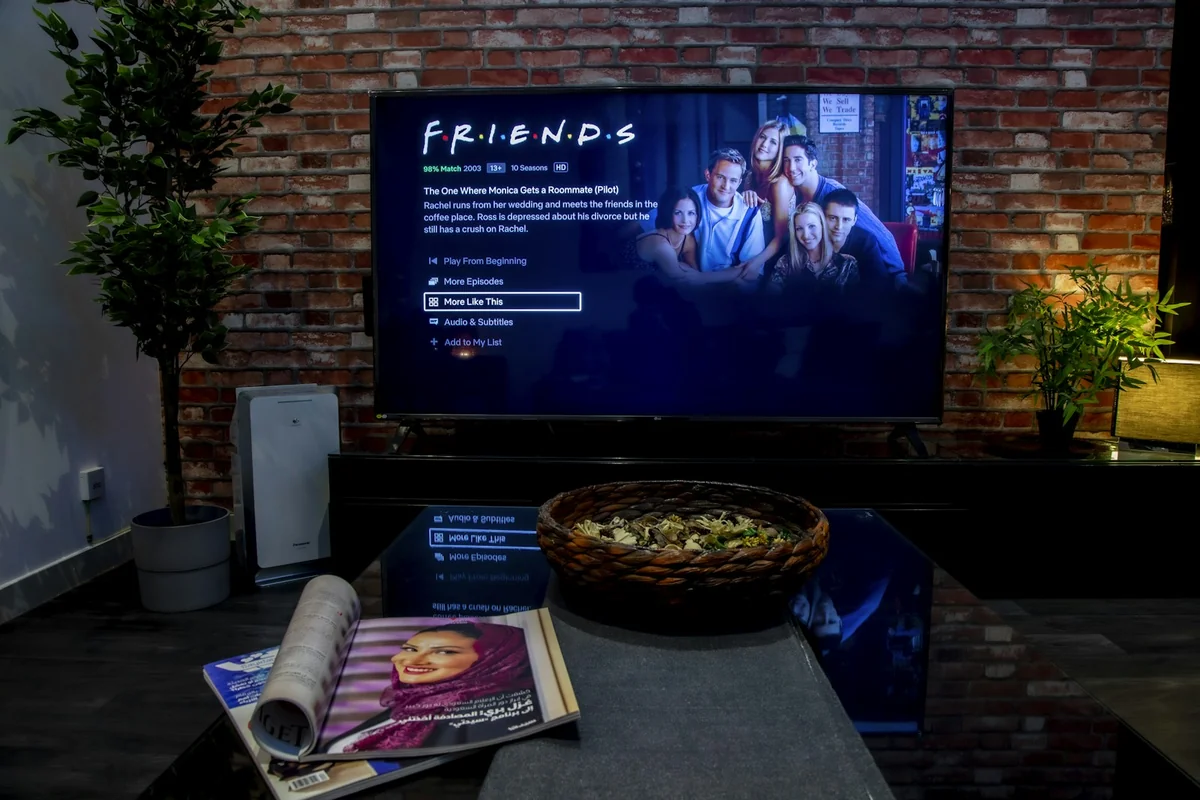 Any LG TV with an HDMI port can run IPTV One in minutes using a connected streaming device.
How Do You Set Up IPTV One on Your LG TV?
Once IPTV One is installed on your connected streaming device, setup takes under three minutes. The app supports M3U playlists, Xtream Codes API, and Stalker Portal — the three formats used by virtually every IPTV provider. According to the IPTV One development team, over 60% of users connect via Xtream Codes because it enables automatic EPG (electronic program guide) sync.
Adding your playlist:
- Open IPTV One on your device (Apple TV, Fire TV Stick, or Android TV box).
- Tap "Add Playlist" from the home screen.
- Choose your connection type: M3U URL, Xtream Codes (username + password + server URL), or Stalker Portal (MAC address + portal URL).
- Enter your credentials and tap "Connect."
- IPTV One fetches your channel list and EPG automatically.
Configuring EPG: If your M3U playlist doesn't include an EPG URL, you can add one manually in Settings > EPG Sources. IPTV One supports XMLTV format and refreshes the guide automatically on a schedule you define.
Cloud sync: IPTV One's cloud sync feature replicates your playlist setup, favorites, and player preferences across devices. Set it up once on your phone and your LG TV setup (via Apple TV or Fire TV Stick) mirrors it automatically. No manual re-entry on each device.
FAQ
Can you install IPTV apps on LG Smart TV?
LG's webOS Content Store has very limited IPTV app support. IPTV One is not available there. The reliable path is to connect a streaming device (Apple TV, Fire TV Stick, or an Android TV box) to your LG TV's HDMI port and install IPTV One on that device. Setup takes about 5-12 minutes depending on the method.
What is the best IPTV player for LG webOS?
Because IPTV One is not natively available on webOS, the best approach is pairing your LG TV with Apple TV 4K for the best picture quality, or Fire TV Stick 4K for the best value. Both run IPTV One natively and support 4K HDR and Dolby Vision. LG OLED owners should prefer Apple TV 4K for native Dolby Vision passthrough.
Does IPTV One work on LG TV?
Yes. IPTV One works on any LG TV that has an HDMI port, which covers every LG model made in the last 10+ years. Connect an Apple TV 4K or Fire TV Stick 4K to the HDMI port, install IPTV One from the App Store or via Downloader (code 1411180), and you're watching IPTV on your LG TV within minutes.
Is Apple TV better than Fire Stick for LG TV?
Apple TV 4K delivers better picture quality on LG OLEDs thanks to native Dolby Vision and tight AirPlay 2 integration. Fire TV Stick 4K is the better value pick for LG TVs without OLED panels, or if you want to spend less. Both support 4K HDR and run IPTV One with full feature parity. The choice comes down to your LG TV's panel type and budget.
How do I cast IPTV to my LG TV from iPhone?
Open IPTV One on your iPhone, start playing a channel, then tap the AirPlay icon in the player controls and select your LG TV. LG TVs made from 2019 onward support AirPlay 2 natively. Both your iPhone and LG TV must be on the same Wi-Fi network. No extra device is needed for this method, though a dedicated streaming device gives better picture quality for long viewing sessions.
The Bottom Line
LG makes excellent TVs. webOS is not, and has never been, an ideal platform for IPTV apps. But that doesn't stop any LG TV from becoming a great IPTV screen. Plug in an Apple TV 4K for the best possible picture on your OLED, or a Fire TV Stick 4K if you want the most affordable path to 4K HDR IPTV on any LG model. Both run IPTV One fully, support M3U, Xtream Codes, and Stalker Portal, and set up in under 15 minutes.
Already have an iPhone? Start with AirPlay 2 right now, no extra hardware needed. Then upgrade to a dedicated stick when you're ready.
Download IPTV One:
- Apple TV / iPhone / iPad: App Store
- Fire TV Stick (via Downloader, code 1411180): Download APK
- Android TV box: Google Play
IPTV One is a media player application. It does not provide, sell, or endorse any IPTV subscription service or content package. Users are responsible for ensuring that any content they access complies with applicable copyright laws in their country.
Ready to try the best IPTV player?
Download IPTV One free on your preferred platform. 4K HDR, cloud sync, and multi-device support.
IPTV One is a media player application. It does not provide, host, or distribute any TV content. Users are responsible for their own content sources.