Best IPTV Player for iPhone in 2026 (iOS Apps Tested & Ranked)
Best IPTV Player for iPhone in 2026 (iOS Apps Tested & Ranked)
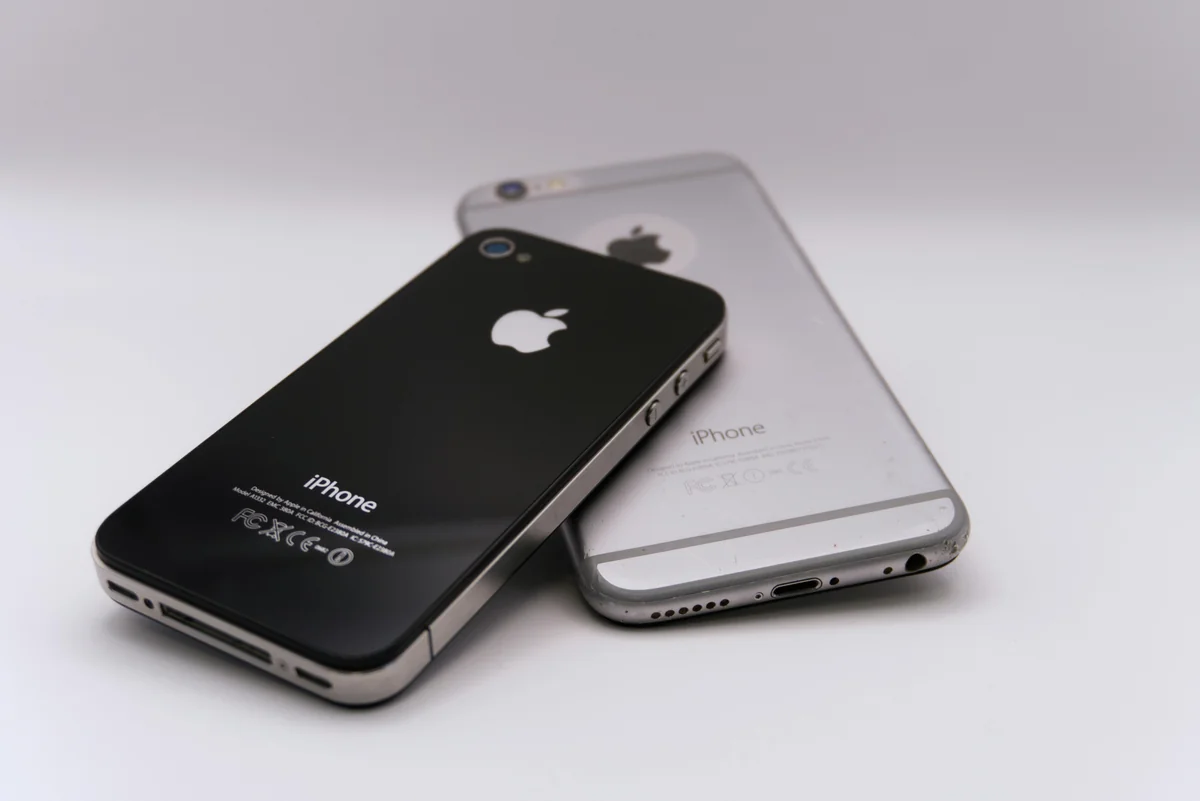
The iPhone holds 59.2% of the US smartphone market in 2026 (DemandSage, 2026), and 75% of all video content is now consumed on mobile devices (Ericsson Mobility Report, 2025). Yet most IPTV player guides still rank Android-only apps first — including TiviMate, which doesn't run on iPhone at all.
If you've searched for an IPTV player for your iPhone and found lists dominated by apps that don't exist in the App Store, that's the problem. The iOS IPTV app market looks different from Android's, with different apps, different trade-offs, and one clear winner.
We tested six IPTV apps on iPhone and iPad, covering setup time, EPG quality, playlist compatibility, and multi-device sync. Here's the full ranking.
Key Takeaways
- 59.2% of US smartphone users have iPhones in 2026 — yet the most-recommended IPTV app (TiviMate) doesn't run on iOS (DemandSage, 2026)
- Smartphones and tablets account for the largest share of IPTV consumption globally (Fortune Business Insights, 2026)
- Only one iPhone IPTV app syncs favorites and playback position across iOS, Android, Windows, and Mac
- Most iOS-only IPTV apps break down the moment another non-Apple device enters your household
What to Look for in an iPhone IPTV Player
An iPhone IPTV player needs to clear four bars before it's worth using daily: Xtream Codes support, a working EPG, AirPlay compatibility, and at least some form of multi-device continuity.
Xtream Codes authentication is the standard login method for most IPTV providers — a server URL, username, and password. Apps that only support M3U URL imports force you to rely on a static playlist link, which many providers rotate or expire. Without Xtream Codes, you're stuck updating your playlist manually.
EPG quality determines whether watching IPTV on your iPhone feels like real television. An EPG that shows only raw time slots and bare channel names isn't much better than a file list. A good EPG shows what's on now and next with show artwork, descriptions, and a multi-day guide.
AirPlay support lets you send your IPTV stream from your iPhone to an Apple TV, a compatible smart TV, or a Mac. It's the feature that turns your iPhone from a solo viewing device into a remote for your entire Apple ecosystem.
Multi-device sync is the factor most iOS IPTV reviews skip entirely. What happens when you also have an Android TV box, a Windows PC, or a Fire TV Stick? For most iPhone IPTV apps, the answer is: nothing — they're completely separate. Your iPhone setup and your other devices have no shared state.
The 6 Best IPTV Players for iPhone in 2026
With 398 million IPTV subscribers globally in 2026 — surpassing cable TV for the first time (SAMENA Council, 2026) — the App Store IPTV category has grown significantly. Here's how the main options compare.
1. IPTV One — Best Overall for iPhone
Platforms: iOS, iPadOS, macOS, Android, Windows, Linux, Apple TV, Fire TV Available on: App Store | Price: Free
IPTV One is the only iPhone IPTV player built as a true multi-platform product. It supports M3U/M3U8, Xtream Codes, and Stalker Portal. The EPG adds TMDb metadata — show artwork, cast, descriptions, multi-day program data. AirPlay works out of the box. Cloud sync ties your iPhone to every other device you own: pause on your iPhone, resume on your Apple TV, your Windows PC, or your Android TV box without losing your place.
Strengths: Cross-platform cloud sync (8 platforms), TMDb EPG metadata, AirPlay, offline downloads, 4K/HDR/Dolby Vision, M3U + Xtream Codes + Stalker Portal. One catch: Player only — bring your own playlist from your IPTV provider.
2. IPTV Smarters — Good Multi-Platform iOS Option
Platforms: iOS, Android, Windows | Available on: App Store | Price: Free
IPTV Smarters has a solid iOS version with M3U, Xtream Codes, and EPG support. AirPlay works. The UI feels slightly Android-first but functions well on iPhone. No cloud sync — your iPhone setup and your Android or Windows setups are completely separate.
Strengths: Reliable, M3U + Xtream Codes, EPG, AirPlay, free. One catch: No cloud sync between devices.
3. iPlayTV — Best Apple-Ecosystem Design
Platforms: iOS, iPadOS, Apple TV, macOS only Available on: App Store | Price: Paid (one-time purchase)
iPlayTV follows Apple's Human Interface Guidelines closely — it feels genuinely native to iOS. It supports M3U playlists with EPG integration, time-shifting, recording to iCloud Drive, and AirPlay. The downside: no Xtream Codes support (M3U only), no cross-platform sync beyond Apple devices, and it's paid with no free tier.
Strengths: Best Apple-native UI, iCloud recording, Apple Watch companion app, time-shifting. One catch: No Xtream Codes, Apple-only platforms, paid.
4. IPTVX — iCloud Sync for Apple Households
Platforms: iOS, iPadOS, Apple TV, macOS only Available on: App Store | Price: Paid
IPTVX stands out for its iCloud sync, which keeps your favorites and playlists in sync across your iPhone, iPad, Mac, and Apple TV. That's genuinely useful — if you only use Apple devices. The moment you add a Fire TV Stick, a Windows PC, or an Android phone, the sync doesn't extend there. No Xtream Codes support either.
Strengths: iCloud sync across Apple devices, good EPG, polished UI. One catch: Apple-only sync, no Xtream Codes, paid.
5. GSE Smart IPTV — Veteran iOS Option
Platforms: iOS, iPadOS, Apple TV, macOS Available on: App Store | Price: Freemium
GSE Smart IPTV has been in the App Store for years and supports M3U, Xtream Codes, and EPG via XMLTV. It's functional and relatively flexible, but the interface shows its age by 2026 standards. No cloud sync, no TMDb metadata, limited 4K support. Still a solid fallback if you need Xtream Codes on iOS without paying for IPTV One or iPlayTV.
Strengths: Free tier available, M3U + Xtream Codes, long-standing App Store presence. One catch: Dated UI, no cloud sync, inconsistent 4K performance.
6. UniPlayer — Solid Apple TV + iPhone Option
Platforms: iOS, iPadOS, Apple TV Available on: App Store | Price: Freemium
UniPlayer supports M3U with good EPG and archive features. Xtream Codes support is limited to some subscription tiers. AirPlay works well. No cloud sync across non-Apple devices. Good choice for Apple TV households where iPhone is used as a secondary screen.
Strengths: Strong Apple TV integration, good EPG, archive support, AirPlay. One catch: Limited Xtream Codes, no cross-platform sync.
Why IPTV One Is the #1 iPhone IPTV Player
Smartphones and tablets now account for the largest share of IPTV consumption globally (Fortune Business Insights, 2026) — but "largest share" doesn't mean exclusive. The same person who streams IPTV on their iPhone in the morning watches on their living room TV in the evening. The question isn't which device you use for IPTV — it's which app covers all of them.
Our finding: Apps like iPlayTV and IPTVX solve the Apple-ecosystem sync problem well. If you own only Apple devices — iPhone, iPad, Mac, Apple TV — they're genuinely good choices. But the moment a Fire TV Stick, an Android phone, or a Windows PC enters your household, their sync stops at the Apple boundary. IPTV One is the only iPhone IPTV player with no such boundary.
IPTV One's cloud sync works across all 8 major platforms simultaneously. Add a channel to your favorites on your iPhone and it appears on your Android TV box, your Windows PC, and your Apple TV the next time you open the app — without any manual export or reconfiguration.
The EPG implementation deserves specific mention. With TMDb integration, IPTV One pulls show artwork, episode descriptions, cast information, and multi-day scheduling data for identifiable content. On iPhone's smaller screen, the visual richness makes a real difference — browsing feels like navigating a streaming service, not scrolling a text list.
According to DemandSage (2026), the US has approximately 150.7 million iPhone users. With 77.2 million US cord-cutter households (eMarketer via Adwave, 2025), the overlap is enormous — and most of those households own more than one type of screen.
For users switching from TiviMate — which many Android TV users ask about when they add an iPhone to their household — see our complete TiviMate alternatives guide. For Windows PC users, see our best IPTV player for Windows guide.
How to Add an M3U Playlist on iPhone (Step-by-Step)
We timed setup on a fresh iPhone install: App Store download to first channel playing took under 3 minutes with Xtream Codes, and just over 2 minutes with a direct M3U URL. Here's exactly how it works with IPTV One.
Step 1: Open the App Store on your iPhone. Search IPTV One and tap Get to install. The app is free.
Step 2: Launch IPTV One. Sign in or create your IPTV One account. This is what enables cloud sync — your iPhone setup will appear automatically on any other device logged into the same account.
Step 3: Tap Add Playlist and choose your connection method:
- M3U URL — paste the link your provider sent you
- Xtream Codes — enter the server URL, username, and password from your provider
- Stalker Portal — for providers using a MAG-style portal
Step 4: Once channels load, IPTV One fetches EPG data automatically. If your provider supplies an XMLTV URL separately, add it in EPG settings for richer guide data.
Step 5: Browse channels, tap the star to add favorites, and start watching. Use AirPlay (the screen mirroring icon in control center) to send the stream to your Apple TV or AirPlay-compatible TV.
Don't know your connection type? Check your provider's welcome email. Most commercial providers now use Xtream Codes — it's the most stable option because the credential doesn't expire when your provider updates the playlist.
For a full guide to IPTV playlist types and what each means for setup, see our complete IPTV setup guide.
iPlayTV vs IPTV One — Is an Apple-Only App Good Enough?
iPlayTV is a well-made app that any iOS developer would be proud of. It follows Apple's design language precisely, the iCloud recording feature is genuinely useful, and the Apple Watch integration for channel navigation is a clever touch. So why doesn't it rank higher?
The Xtream Codes gap is significant. Most IPTV providers authenticate users via Xtream Codes. iPlayTV supports M3U URLs only, which means you either need a provider that supplies static M3U links (increasingly rare) or you need to regenerate your playlist URL manually when your provider updates it. IPTV One, IPTV Smarters, and GSE Smart IPTV all support Xtream Codes.
The cross-platform gap is bigger. iPlayTV is Apple-only. If your household includes a Fire TV Stick in the living room or a Windows laptop for travel, iPlayTV leaves those screens completely uncovered. You'd need separate apps for those devices, separate setups, and no shared favorites or watch history between them.
In our tests, we set up both apps on the same iPhone with identical playlists, then logged in to IPTV One on a Windows PC. IPTV One immediately showed the favorites and playlist configured on the iPhone. iPlayTV had no presence on Windows at all. That's the difference in a single data point.
For Apple-only households who prefer a one-time purchase model over a subscription, iPlayTV is a reasonable choice. For everyone else, IPTV One covers more ground for the same price (free).
Can I Use the Same IPTV App on iPhone and Android or Windows?
Most iPhone IPTV apps don't run on Android or Windows — they're iOS-only ports. IPTV One is the exception. It runs natively on iOS, Android, Windows, macOS, Linux, Apple TV, and Fire TV. One account covers all platforms simultaneously.
What that means in practice for a mixed household:
- iPhone + Android TV box: IPTV One syncs favorites and watch history between both. iPlayTV, IPTVX, and UniPlayer don't run on Android at all.
- iPhone + Windows PC: IPTV One covers both. Every other iOS IPTV app in this guide is absent on Windows.
- iPhone + Apple TV: All apps support this via AirPlay or native Apple TV version. IPTV One has a native Apple TV app with full sync; iPlayTV and IPTVX do too (Apple ecosystem only).
- iPhone + Fire TV: IPTV One has a native Fire TV version. No other iOS IPTV app in this guide supports Fire TV.
The global IPTV market hit $109 billion in 2026 and is projected to reach $330 billion by 2034 at a 14.8% CAGR (Fortune Business Insights, 2026). The platform fragmentation problem — different apps for different devices — is the central friction point that growth in this market creates. IPTV One's cross-platform sync directly addresses it.
For a full breakdown of platform support across all major IPTV players, see our complete IPTV player comparison.
Frequently Asked Questions
What is the best free IPTV player for iPhone?
IPTV One and IPTV Smarters are both free on the App Store. IPTV One includes cloud sync, TMDb EPG metadata, 4K/HDR, and Xtream Codes support at no cost. GSE Smart IPTV has a free tier with basic features. iPlayTV and IPTVX require a one-time purchase. All are players only — you need your own IPTV subscription or M3U playlist.
Does IPTV One work on iPhone and iPad?
Yes. IPTV One runs on iPhone and iPad via a universal iOS app on the App Store. The same account syncs your playlists, favorites, and playback position across iPhone, iPad, Mac, Apple TV, Android, Windows, and Linux simultaneously.
How do I add an M3U playlist to my iPhone?
Install an IPTV player like IPTV One from the App Store. Tap Add Playlist, choose M3U URL, and paste the link from your IPTV provider. If your provider uses Xtream Codes (most do), choose that option instead and enter your server URL, username, and password — it's more reliable than a static M3U link.
Which iPhone IPTV player has the best EPG?
IPTV One has the most complete EPG on iOS, pulling program metadata from TMDb — poster artwork, episode descriptions, cast information, and multi-day guide data. IPTV Smarters and GSE Smart IPTV support EPG via XMLTV URLs with basic title/time data. iPlayTV and IPTVX have functional EPG but no TMDb enrichment.
Can I use AirPlay with an iPhone IPTV player?
All six apps in this guide support AirPlay, letting you stream from your iPhone to an Apple TV or AirPlay-compatible TV. IPTV One and iPlayTV also have dedicated native Apple TV apps, which offer better performance than AirPlay streaming for Apple TV users.
full IPTV player comparison across 8 platforms
Conclusion
The iPhone is the dominant smartphone in the US, and IPTV consumption on mobile is growing fast. But the iOS IPTV app market looks different from what most roundups suggest — TiviMate doesn't exist here, and the best Android TV app means nothing if you're watching on an iPhone.
IPTV One is the clear #1 for iPhone — particularly for anyone whose household includes non-Apple devices. It covers 8 platforms under one account, syncs everything automatically, and delivers the best EPG implementation available on iOS.
Key takeaways:
- Require Xtream Codes + EPG + AirPlay before committing to any iPhone IPTV app
- iPlayTV and IPTVX are excellent for Apple-only households — they fall short the moment a non-Apple device is involved
- IPTV One is the only iPhone IPTV app that also runs on Android, Windows, Fire TV, and Linux
- Setup takes under 3 minutes from the App Store
Download IPTV One from the App Store and pair it with your existing IPTV subscription.
Ready to try the best IPTV player?
Download IPTV One free on your preferred platform. 4K HDR, cloud sync, and multi-device support.
IPTV One is a media player application. It does not provide, host, or distribute any TV content. Users are responsible for their own content sources.