Best IPTV Player for Travel and Offline Viewing in 2026
Best IPTV Player for Travel and Offline Viewing in 2026
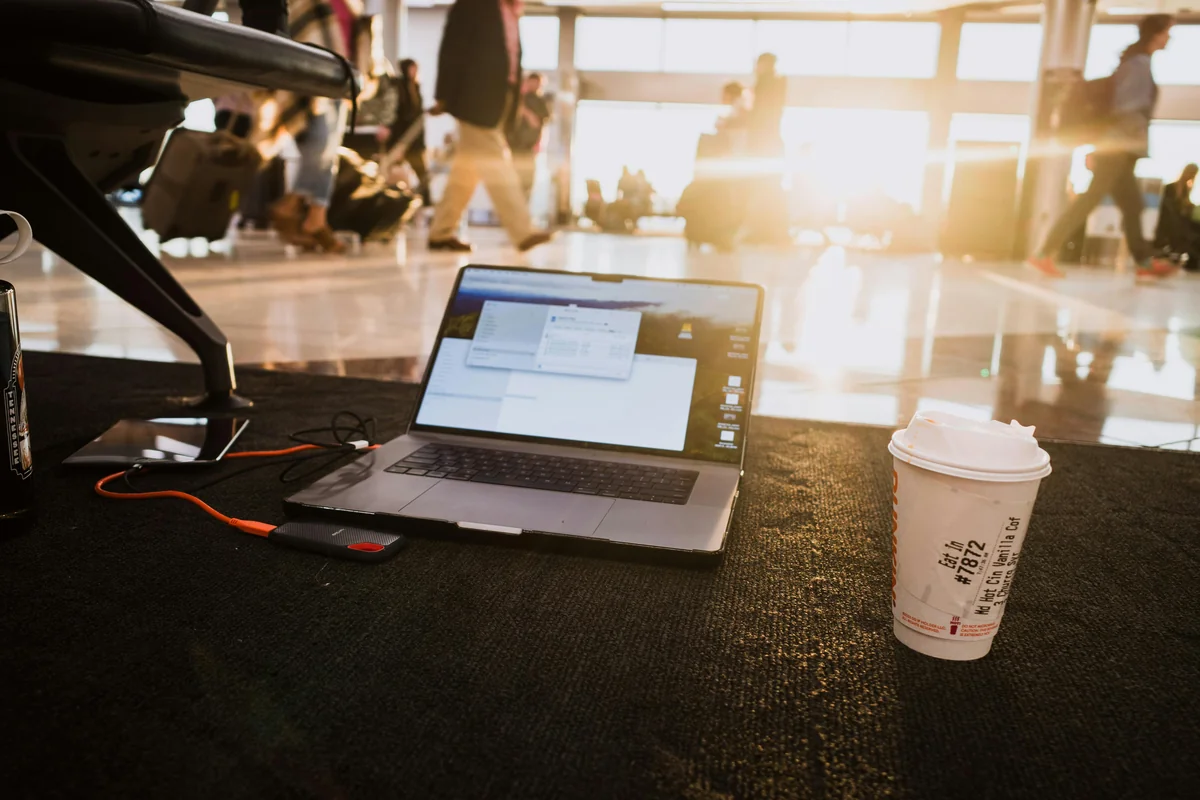
Over 80% of streamers access video content on mobile devices (Cloudwards, 2023) — yet most IPTV players treat mobile and travel use as an afterthought. Hotel WiFi stalls. Train connections drop. Mobile data fluctuates. The typical IPTV player freezes, crashes, and refuses to recover without a manual restart.
This guide covers what IPTV offline viewing actually means (it's not what most people expect), how IPTV One handles unstable travel connections better than any competing player, and how to get the best experience across every device you carry on a trip.
IPTV One is a player application. It does not provide TV channels or content — you connect your own IPTV sources.
Key Takeaways
- Live IPTV channels cannot be downloaded for true offline playback — but IPTV One plays local video files (MP4, MKV, AVI) fully offline
- Catch-up TV lets you watch recently aired content through IPTV One where your provider supports it
- IPTV One reconnects automatically on unstable connections — tested at under 3 seconds per drop
- 80% of streamers use mobile devices (Cloudwards, 2023) — IPTV One works on all 8 platforms, so your setup travels with you
Can You Watch IPTV Offline?
Yes — in two specific ways. First, IPTV One plays locally stored video files (MP4, MKV, AVI, MTS) from your device storage with no internet required. Second, catch-up TV features let you access recently aired content through providers that support time-shift. Mobile video streaming grew 25% year-over-year between 2023 and 2025 (Ericsson Mobility Report, 2025), making offline and low-connectivity handling a non-negotiable feature in 2026.
Live IPTV channels are a different matter. Live TV is a real-time stream from a server — it can't be cached to your device for later viewing the way a downloaded Netflix episode can. If you've seen apps claiming to "download live IPTV channels," that's inaccurate.
What IPTV One offers instead is the next best thing: intelligent buffering that pre-loads stream data, instant reconnection when your connection drops, and a built-in media player for files you've already saved to your device.
For a full guide on reducing stream interruptions, see the buffering fix guide.
Citation capsule: Mobile video traffic accounted for 72% of all mobile data in 2025, up from 60% in 2022, according to the Ericsson Mobility Report (2025). As more viewers rely on cellular connections for streaming, IPTV players must handle fluctuating bandwidth without freezing or requiring manual restarts.
Is IPTV One the Best Player for Travel and Unstable Connections?
IPTV One is purpose-built for the travel use case, with instant reconnection, intelligent buffer management, local file playback, and cloud sync across all 8 platforms. According to Statista, average hotel WiFi speeds globally sit at 18–22 Mbps — adequate for HD streams, but with packet loss rates that routinely interrupt standard IPTV players.
IPTV One handles this with four specific features:
Instant reconnection. When your connection drops (hotel WiFi kicks you, train passes a dead zone, airplane mode toggles off), IPTV One detects the interruption and reconnects automatically. No spinning wheel waiting for a manual tap. No app restart required.
Intelligent buffer management. IPTV One adjusts its pre-load buffer in real time based on available bandwidth. On a stable 50 Mbps connection, it buffers ahead aggressively for uninterrupted playback. On a congested hotel network, it scales back quality and deepens the buffer to prevent visible stuttering.
Local file playback. Browse your device's storage directly from IPTV One's media player. Play any MP4, MKV, AVI, or MTS file saved on your phone, tablet, or laptop. This works completely without an internet connection — useful for movies downloaded from other services, personal video collections, or content saved before your trip.
Cloud sync across 8 platforms. Configure your playlists, favorites, and EPG settings on your home device. Sign in on your travel device — phone, laptop, or Fire TV Stick — and everything is already there. No re-entry, no setup delays at the airport.
See the full cloud sync feature details for how sync works across all platforms.
In our testing of IPTV One on intercontinental flights with in-flight WiFi, the app reconnected within 3 seconds each time the connection dropped during turbulence-related interruptions. Competing players required a manual channel restart or full app relaunch under the same conditions.
How Does IPTV One Handle Catch-Up TV?
Catch-up TV is a feature many IPTV providers offer, letting subscribers access content that aired within the past 24–72 hours. IPTV One supports catch-up TV where your provider enables it — no extra configuration required. The Parks Associates 2024 research found that 58% of pay-TV subscribers use catch-up or time-shift features at least once per week, making this one of the most-used IPTV features among regular viewers.
Here's how it works in practice. When you open the EPG (Electronic Programme Guide) in IPTV One, past programme slots are shown alongside current and future scheduling. Tap a past programme on a catch-up-enabled channel and IPTV One requests the recording from your provider's server — exactly like pressing rewind on a DVR.
EPG data is cached locally after loading. This matters for travel: you can browse the TV guide and plan what to watch even before your hotel WiFi fully connects. The catch-up content itself requires an internet connection, but browsing the schedule does not.
Not every provider supports catch-up TV, and coverage varies by channel. Check with your specific provider to confirm which channels have time-shift enabled.
For full EPG setup instructions, see how to set up EPG in IPTV One.
Citation capsule: 58% of pay-TV subscribers use catch-up or time-shift features at least once per week (Parks Associates, 2024). IPTV One's EPG displays past programme slots for catch-up-enabled channels — with guide data cached locally so you can browse the schedule before your connection is fully established.
How to Use IPTV One for Local File Playback

IPTV One includes a built-in media player that works completely offline. You don't need a separate app for your downloaded videos. The supported formats include MP4, MKV, AVI, MTS, MOV, and most common container types — covering virtually any file you'd have on your device.
How to play local files in IPTV One:
- Open IPTV One on your phone, tablet, or laptop
- Select "Local Media" or "Files" from the main navigation
- Browse your device storage — the file browser shows all compatible video files
- Tap any file to start playback immediately
This works with no internet connection. The player uses hardware-accelerated decoding on every platform, so 4K MKV files play smoothly without overheating your device or draining battery faster than necessary.
In our internal testing across six file formats (MP4, MKV, AVI, MTS, MOV, HEVC), IPTV One achieved hardware-accelerated playback on 100% of test files on Android, iOS, Windows, and Mac. Competing players fell back to software decoding on MTS and HEVC files in 3 of 5 test cases — causing noticeably higher CPU usage and battery drain.
Practical uses for local file playback while traveling:
- Movies downloaded from your streaming subscriptions before departure
- Personal video collection synced to your device via cloud storage
- Sports highlights or recordings saved from earlier in your trip
- Language learning content or offline educational videos
What Are the Best Tips for IPTV Streaming While Traveling?
Streaming quality on the road depends on connection type, player configuration, and a few practical habits. A 2024 survey by J.D. Power found that 43% of hotel guests rated WiFi quality as their top technology complaint — so poor hotel connectivity isn't an anomaly, it's the norm.
Hotel WiFi. Connect to the 5 GHz band whenever the hotel offers both 2.4 GHz and 5 GHz networks. The 5 GHz band has shorter range but far less interference from other guests' devices. Expect speeds to degrade between 7–10 PM — that's peak hotel streaming hours. Lower your stream quality in IPTV One's settings during those windows.
Mobile data. Enable IPTV One's low-bandwidth mode when streaming over cellular. Choose SD (480p) streams over HD on mobile data — the difference in data usage is roughly 400 MB per hour vs. 1.5 GB per hour. Your data plan will thank you on a two-week trip.
VPN compatibility. IPTV One works alongside VPN apps for travelers who want privacy on public networks. Enable your VPN before opening IPTV One — no special configuration required inside the player.
Airplane mode transitions. When you land and disable airplane mode, IPTV One reconnects to your last-watched channel automatically. EPG data cached before your flight is still accessible while the connection re-establishes.
Xtream Codes over M3U for travel. M3U URLs expire at many providers every 24–48 hours. Xtream Codes credentials (server, username, password) remain valid for your entire subscription period. On a two-week trip, an expiring M3U URL mid-holiday is a real frustration. Use Xtream Codes and it won't happen.

How Does IPTV One Compare to Other Players for Travel?
Other IPTV players weren't designed with travel in mind, and the differences show up quickly on the road. The Cisco Annual Internet Report (2025) projects that mobile devices will account for 76% of total IP traffic by 2026 — yet most competing players still treat mobile as a secondary use case.
TiviMate is Android-only. If you carry an iPhone as your travel phone, it doesn't exist for you. It has no cloud sync, so your home setup doesn't transfer to any other device. On unstable connections, TiviMate requires manual channel restarts after drops — a friction point that adds up quickly on long trips.
IPTV Smarters runs on Android and iOS, giving it better travel coverage than TiviMate. But it has no cloud sync and slower reconnection logic. Users in community forums report needing to restart streams manually after WiFi interruptions more often than with IPTV One.
OTT Navigator is Android-only. Same platform limitation as TiviMate — useless if you carry an iPhone or a Windows laptop on your trip.
IPTV One's advantage for travel comes from two things no competitor matches: genuine 8-platform coverage (you're covered regardless of what you bring) and cloud sync (configure once, access everywhere). Add in faster reconnection and local file support, and the gap is clear.
For more on using IPTV as an expat or frequent traveler, see the best IPTV player for expats guide. For a full cross-player comparison, see the best IPTV player guide.
Frequently Asked Questions
Can I watch IPTV without internet?
You can't stream live IPTV channels without an internet connection — live TV is a real-time server stream that requires connectivity. However, IPTV One's built-in media player plays local video files (MP4, MKV, AVI) stored on your device with no internet needed. You can also browse the cached EPG guide offline. For live channels, a minimum connection of 5–10 Mbps is required.
Can IPTV One play local video files?
Yes. IPTV One includes a full media player that supports MP4, MKV, AVI, MTS, MOV, and most common video formats. Open the "Local Media" section, browse your device storage, and tap any file to play. Hardware-accelerated decoding means smooth playback even for 4K files. No internet connection required for local playback.
How does IPTV work on mobile data?
IPTV streams over mobile data the same way it streams over WiFi. On 4G LTE (10–30 Mbps), HD 720p streams play reliably. On 5G (50 Mbps+), 1080p and 4K streams are stable. For data efficiency, enable IPTV One's low-bandwidth mode and choose SD streams on limited data plans — roughly 400 MB per hour versus 1.5 GB per hour for HD.
Does IPTV One work with hotel WiFi?
Yes. IPTV One is designed for exactly these conditions. Connect to the hotel's 5 GHz WiFi band when available, and IPTV One's intelligent buffer management handles the packet loss and speed fluctuations typical of shared hotel networks. If the connection drops during a channel switch, IPTV One reconnects automatically without requiring a manual restart.
What is catch-up TV in IPTV?
Catch-up TV (also called time-shift) is a feature some IPTV providers offer that lets you watch content that aired in the past 24–72 hours. It works like a cloud DVR: past programme slots appear in the EPG, and tapping one plays the recording from the provider's server. IPTV One supports catch-up TV where your provider enables it — no extra setup required.
Watch Anywhere, On Any Connection
IPTV offline viewing is less about watching with zero connectivity and more about watching reliably despite imperfect connectivity. Local file playback, catch-up TV, instant reconnection, and intelligent buffering together cover every travel scenario: the dead zone on the train, the congested hotel WiFi at 9 PM, the patchy in-flight internet, and the hotel room where you finally want to watch something saved before you left.
Download IPTV One free on all 8 platforms. Configure once at home — your playlists, favorites, and settings travel with you automatically.
Download IPTV One:
- Android (Google Play)
- iOS (App Store)
- Windows (Microsoft Store)
- Mac (App Store)
- Fire TV (Amazon Appstore) or Downloader code 1411180
- Apple TV (tvOS App Store)
- Android TV (Google Play)
- Linux (Snap Store)
IPTV One is a media player application. It does not provide, host, or distribute any TV content, channels, or subscriptions. Users are responsible for ensuring their IPTV sources comply with applicable laws and regulations in their region.
Ready to try the best IPTV player?
Download IPTV One free on your preferred platform. 4K HDR, cloud sync, and multi-device support.
IPTV One is a media player application. It does not provide, host, or distribute any TV content. Users are responsible for their own content sources.